Working Reliably Anywhere: A Mobile Routine for Unpredictable Jobsites
Learn how offline access, cloud backup and consistent mobile records help tradespeople stay organised on unpredictable jobsites.
· 5 min read
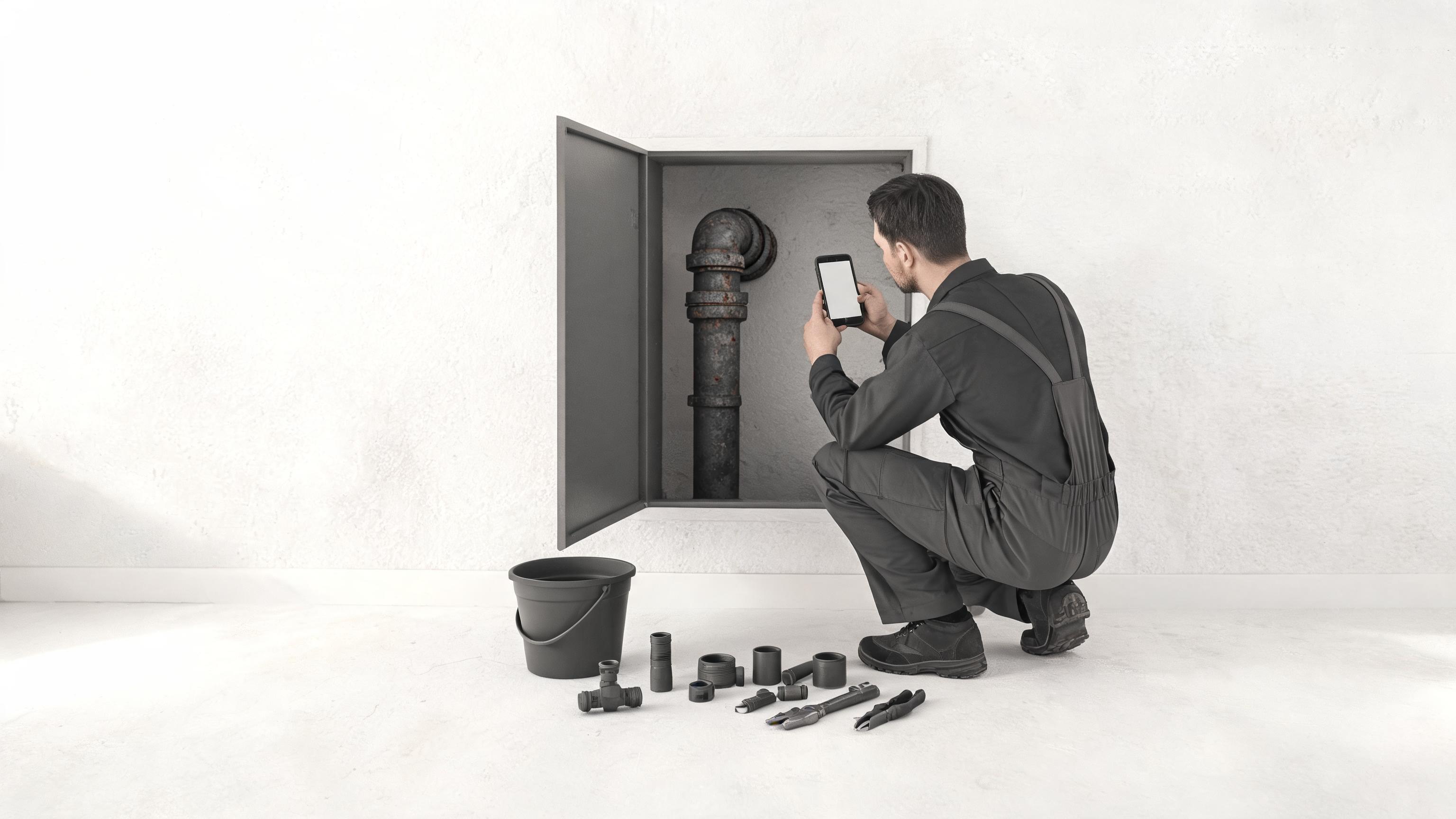
A jobsite rarely follows the plan. You may arrive to find poor signal, an unexpected repair, a missing part or a customer who needs a clear answer before you leave. When your notes, photos, schedule and invoice are spread across different places, a small disruption can quickly become a missed detail or a delayed payment.
Reliable field work is not about having a perfect day. It is about having a simple process that still works when the day changes. For solo tradespeople, plumbers, electricians, appliance repairers and property maintenance crews, a mobile field-service app can keep the job record together from the first visit to the final payment.
Build a job record that does not depend on memory
When you are working alone, your phone is often the only place you can capture what happened in the moment. Use it to keep the customer history, job details, photos, estimate, invoice and payment status connected to the same job.
This matters because the details that seem obvious on site are easy to forget later. Which appliance model did you inspect? Which fitting did you replace? Was the extra labour approved? Did you promise to return with a part? A consistent record gives you something more dependable than a note remembered at the end of a long day.
- Record the job description before starting work.
- Add photos while the relevant equipment, damage or completed work is in front of you.
- Update the estimate or scope when the work changes.
- Mark the job progress before travelling to the next appointment.
- Create the invoice while the details are still fresh.
Offline access is part of the workflow
Basements, rural properties, plant rooms, new builds and crowded buildings can all make a reliable connection difficult. You should not have to stop documenting a job because the signal has disappeared.
Offline access lets you continue with the practical work: checking the job, adding notes, taking photos and keeping the record moving. Instead of writing details on loose paper and hoping to transfer them later, use the same mobile process whether you have a strong connection or none at all.
The key is to treat offline work as normal rather than exceptional. Before leaving for a job, open the relevant customer and appointment information. During the visit, capture updates as they happen. When you are back online, check that the latest information is available before sending an estimate, invoice or payment link.
Cloud backup protects continuity
Offline access helps you keep working in the moment. Cloud backup helps protect the record beyond the moment. If your phone is damaged, lost or replaced, a backed-up job history is far more useful than a collection of local notes and photos.
Visitio Pro adds cloud backup, along with branding, payment links and AI assistance. For a solo operator, that can make the difference between rebuilding a customer record and continuing from the information already captured. Keep customer data organised and review your backup and privacy settings as part of your normal business routine.
Use one version of the truth
Reliability also comes from consistency. If the customer history is in one app, the schedule is in a calendar, job photos are in a camera folder and invoice notes are in a messaging thread, you are managing several versions of the same job.
A single job record reduces the number of places you need to check. It also makes handovers easier when a property maintenance crew has more than one person involved. Anyone reviewing the work should be able to understand what was requested, what was completed, what remains open and what the customer owes.
Use the same basic fields on every job:
- Customer and property details
- Appointment date and status
- Equipment, model or serial information where relevant
- Scope of work and approved changes
- Photos, notes and parts used
- Invoice status and payment information
Make the mobile process smaller, not more complicated
A reliable process should be easy to follow with one hand between tasks. Avoid creating a long checklist that you will abandon on a busy day. Start with a few repeatable moments: before work, during work, and before leaving.
Before work
Open the appointment, confirm the customer and review the last relevant notes. If the job involves an appliance, check the model, serial number and appliance history before beginning the inspection.
During work
Capture evidence at the point of work. Add a photo or short note when you discover a fault, approve a change or complete a repair. If the job needs a new part or a return visit, record that immediately instead of relying on memory.
Before leaving
Review the completed work, update the job status and prepare the estimate or invoice. A clear final record makes the next step obvious for you and the customer. For more ideas on closing out work promptly, see Invoice before you leave the driveway.
Turn disruptions into a planned handoff
Unexpected jobsites will always happen. The goal is not to eliminate every interruption but to make sure each interruption has a recorded next step. If you need to order a part, schedule a return visit, request approval or wait for payment, put that status in the job record.
This prevents open loops from becoming invisible. A job marked “waiting for approval” is easier to manage than a message you vaguely remember sending. A scheduled return visit is easier to protect than a promise made at the door. A completed invoice is easier to follow up than an amount written on paper.
Conclusion: dependable work starts with dependable records
Working reliably anywhere comes down to a few practical habits: keep the job record together, continue capturing information when you are offline, protect important data with cloud backup and use the same mobile steps on every visit.
Visitio is designed to connect job photos, estimates, invoices, payments, customer history and scheduling in one field-service workflow. Start with one action today: open your next job in Visitio and complete the record before leaving the site, including the final status and invoice details. That small habit gives you a clearer schedule, a stronger customer record and a faster path to getting paid. #invoice
For more practical field-service workflows, visit the Visitio blog.